
How to Automate Blog Post Scheduling for Consistent Traffic Growth
You’ve written a great blog post. It’s optimized, it’s valuable, and you hit publish. Then… crickets. A week later, you realize you haven’t posted anything else. Your traffic graph looks like a flatline. The problem isn’t your writing—it’s your publishing rhythm. Consistent traffic doesn’t come from one viral post; it comes from a steady stream of content that search engines learn to expect and readers learn to rely on. The solution? Learn how to automate blog post scheduling so your content machine runs on autopilot.
Why Scheduling Matters More Than You Think
Most bloggers and content marketers fall into the same trap: they write in bursts, publish everything at once, then go silent for weeks. Google’s crawlers notice. Readers notice. Your domain authority stagnates because there’s no signal that your site is actively growing. A scheduled, consistent publishing cadence tells search engines, “This site is alive and worth indexing.” It also builds audience trust—when people know you publish every Tuesday and Thursday, they come back.
But manually scheduling each post is tedious. You have to log into your CMS, set dates, check for conflicts, and repeat. That’s where automation changes the game. By using a tool designed to automate blog post scheduling, you can batch your content creation and let the software handle the timing.
The Real Cost of Manual Scheduling
Let’s say you publish three posts per week. Manually scheduling each one takes about 10 minutes—logging in, picking dates, adjusting times. That’s 30 minutes a week, or 26 hours a year. Now multiply that by the number of team members involved. For a small business owner, those 26 hours could be spent on product development, customer outreach, or strategy. Automation isn’t just convenient; it’s a direct ROI play.
How to Automate Blog Post Scheduling in Three Steps
Step 1: Generate a Batch of SEO-Optimized Posts
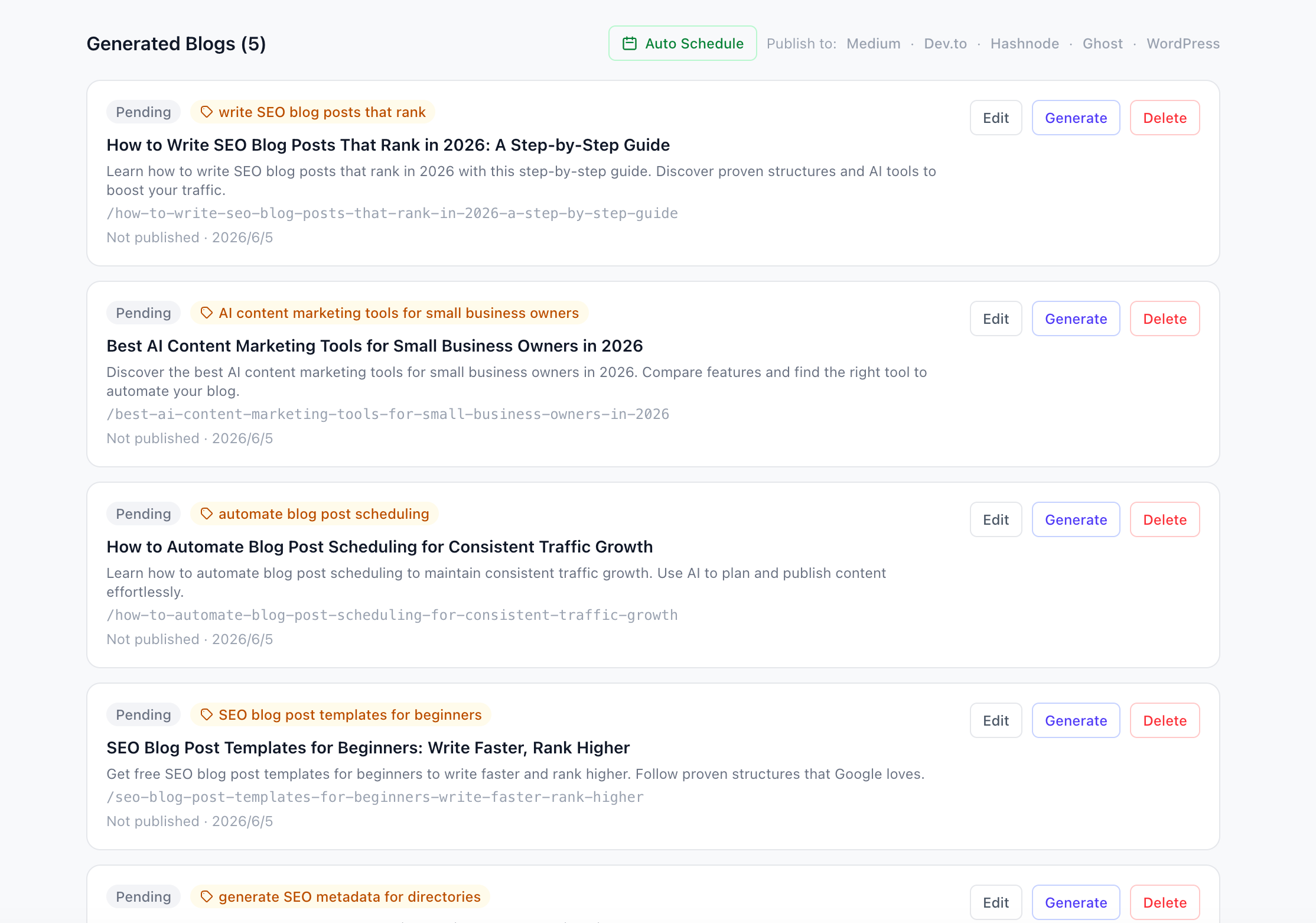
Before you can schedule, you need content. The fastest way to build a backlog is to use an AI-powered tool like AI SEO Writer. Paste your website URL, and the AI analyzes your business, tone, and audience. Then, generate multiple titles at once. The dashboard shows you a list of drafts, each with a status badge, topic tag, and action buttons like “Edit,” “Generate,” and “Delete.” You can see exactly what’s ready to publish and what still needs work.
Step 2: Use the Built-In Calendar to Plan Your Month
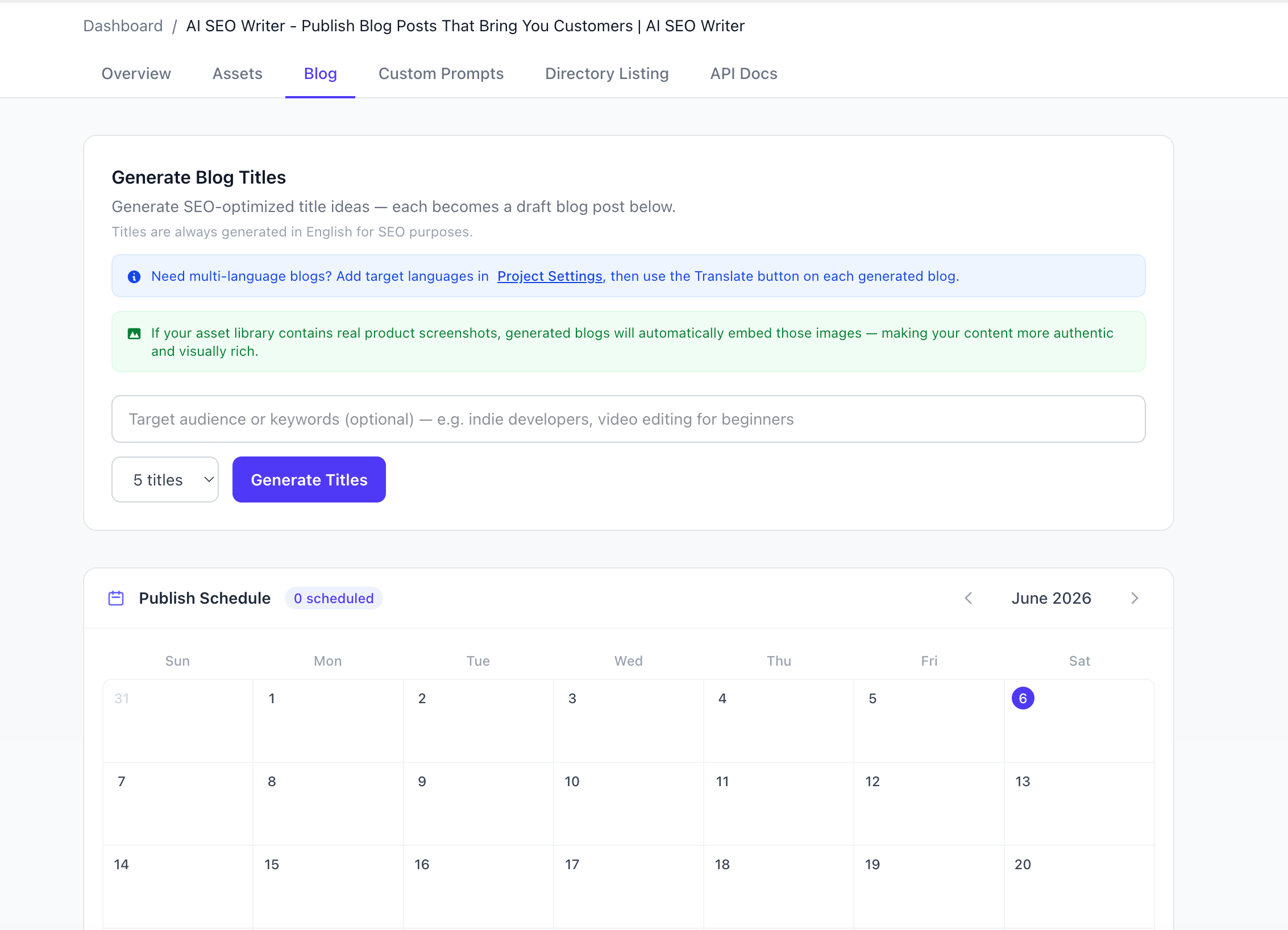
Once your drafts are ready, open the Publish Schedule view. The calendar shows the current month with a clean grid layout. You can see which days have posts scheduled and which are open. The interface is intuitive—no complex settings, just click and assign. This is where you automate blog post scheduling by dragging posts onto future dates. The tool handles timezone logic and spacing, so you never accidentally publish two posts on the same day.
Step 3: Hit “Auto Schedule” and Walk Away
The real magic is the “Auto Schedule” button. With one click, the tool distributes all your unpublished posts across the coming days—one or two per day, starting from where you left off. It respects your preferred publishing frequency and avoids weekends if you choose. No more manual date-picking. No more gaps. Your content calendar fills itself.
What Happens When You Automate Blog Post Scheduling?
Consistency compounds. If you publish two posts per week for three months, that’s 24 new pages indexed by Google. Each page is a potential entry point for organic traffic. Over a year, that’s nearly 100 pages. Even if each page only brings 50 visitors per month, that’s 5,000 monthly visitors from your backlog alone—without any additional effort.
But automation isn’t just about volume. It’s about rhythm. When Google sees a predictable publishing pattern, it crawls your site more frequently. New content gets indexed faster. Your rankings stabilize. And because you’re not scrambling to publish last-minute, you can focus on quality.
Beyond Scheduling: Automate Your Entire Workflow
Scheduling is just one piece of the puzzle. To truly scale, you need to automate the entire content lifecycle:
- Content generation: Use AI to write drafts based on your website’s voice.
- Image embedding: Upload product screenshots once; the AI automatically places them in relevant posts.
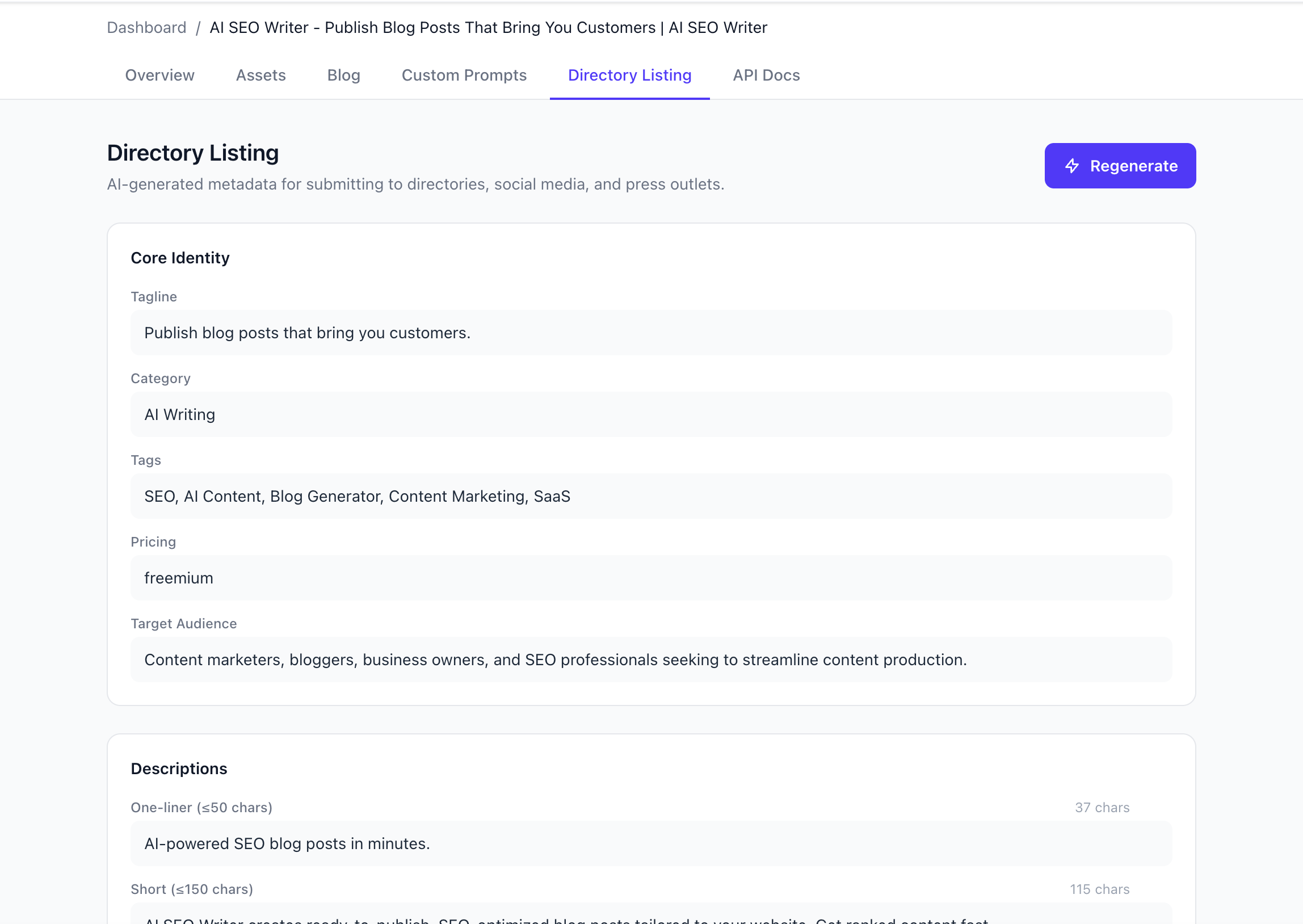
- Metadata creation: Generate directory listings, press releases, and social media copy in one click.
- Multi-language publishing: Translate a post to 9 languages instantly and schedule each version.
Common Mistakes to Avoid
Even with automation, there are pitfalls:
- Scheduling without a content strategy: Random topics won’t build authority. Plan your editorial calendar around customer questions and keyword research.
- Ignoring analytics: Automation doesn’t mean set-and-forget. Check which posts perform best and adjust your topics accordingly.
- Over-scheduling: Publishing five posts a day can overwhelm your audience and dilute your message. Stick to a sustainable cadence.
The Tools That Make It Possible
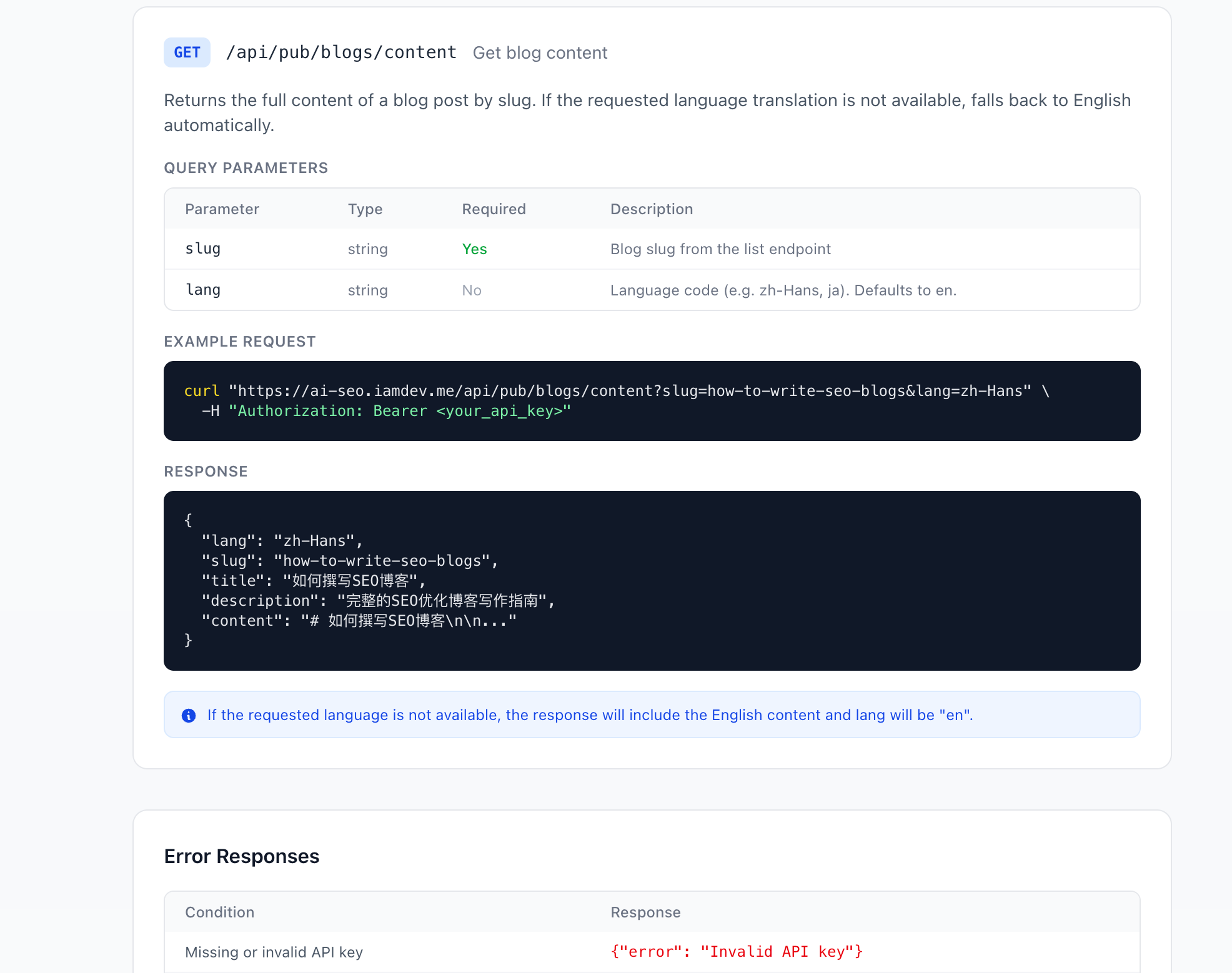
You don’t need a complex tech stack. A single platform like AI SEO Writer handles everything from title generation to multi-platform publishing. The dashboard integrates with Medium, Dev.to, Hashnode, Ghost, and WordPress, so you can schedule across channels from one place. The API docs even let developers build custom integrations if needed.
Your Traffic Won’t Grow by Accident
Consistent traffic is the result of consistent publishing. But consistency doesn’t have to mean constant manual work. By learning how to automate blog post scheduling, you free up time to focus on what matters: creating content that actually serves your audience. The tools exist. The workflow is proven. The only missing piece is your first scheduled post.
Ready to stop guessing and start growing? Set up your project in under 60 seconds and let automation handle the rest. Your future traffic will thank you.